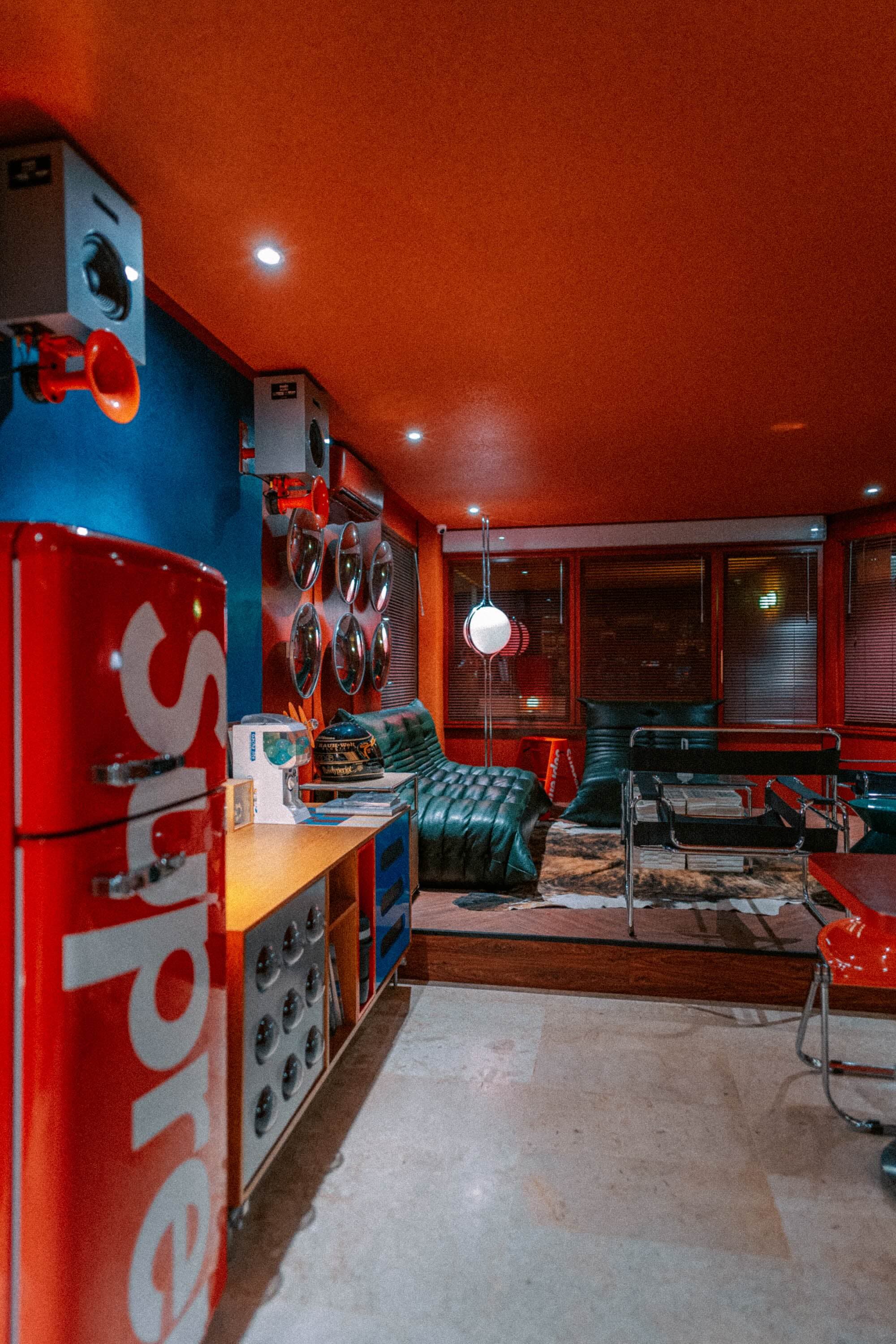
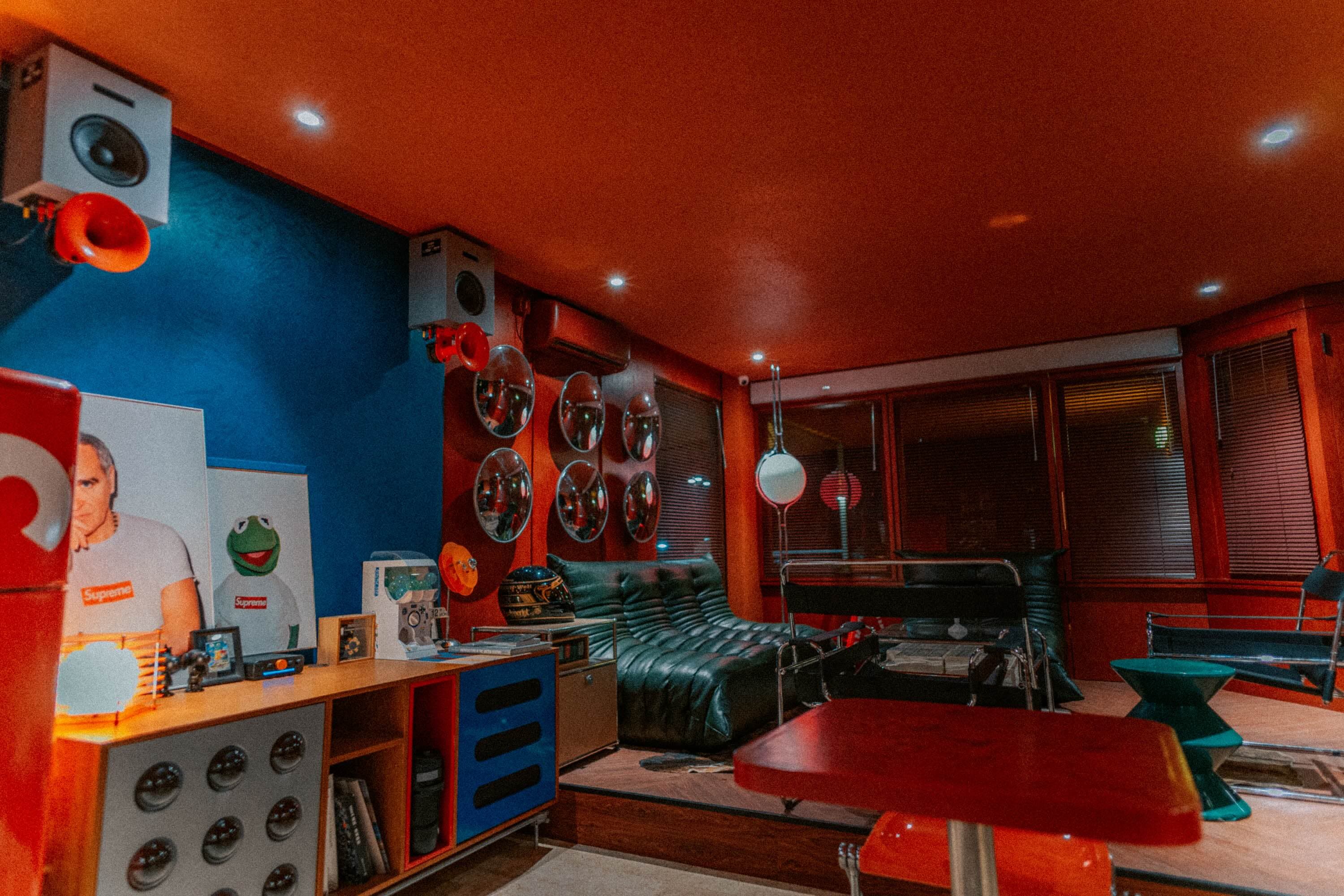
Booking a hotel room now takes a few minutes on your phone or laptop. If you want to book direct on the Aksara Hotel website, the process is simple: choose your dates, add your guests, compare room types and rates, then pay with whichever method suits you best. Your confirmation arrives by email, and you can open your booking again whenever you like.
This guide walks through each step in order, with a few small tips to help you get your booking right first time. At the end, we explain why booking direct with the hotel can make your stay feel easier, especially if you have questions before you travel.
Step 1: Choose Your Dates, Guests and Rooms
Start from the search bar on the home page or the Rooms page. Pick your check-in and check-out dates, then enter the number of adults, children and rooms you need. Tap Check Availability to see which rooms are free on those dates.
Nights are counted from your check-in date up to the night before check-out, so arriving on the 10th and leaving on the 12th means a two-night stay. Check-in is from 2 pm and check-out is by 12 noon, which is worth keeping in mind when you plan your journey.
Step 2: Compare Room Types and Rates
The results show the available room types alongside their rates. Rooms at Aksara Hotel fall into three categories, so you can match your choice to the size of your group:
- King Room: one king bed, ideal for two guests (up to two adults and one child). Room types include Mono Superior, Mono Deluxe and Junior Suite.
- 2 Queen Room: two queen beds, ideal for four guests and well suited to groups and families. Choose from the Executive Room or the Royal Suite Twin.
- Family Room with Bunkbed: one king bed plus bunk beds for two children or adults, in the Aksara Suite.
You can then compare two rate plans. Room only comes with free cancellation according to its policy, which is handy if your plans might change. Room only, saver costs less but is non-refundable, so it suits travellers whose dates are fixed. Our guide to choosing a hotel rate plan explains the difference in more detail.

One thing to note: room rates do not currently include breakfast. If you fancy a morning coffee or something to eat, Artisan Coffee on the 2nd floor opens at 8 am with coffee, pastries and main courses.
Step 3: Add Your Details and Any Special Requests
Once you have picked a room and a rate, fill in the booker's details: full name, email and WhatsApp number. If someone else is staying in a room, you can add that guest's name, or leave it blank if the guest is you. Double-check your email address, because your confirmation and the access code for your booking are sent there.
You can also add an estimated arrival time and any special requests, such as a quiet room. We will do our best to meet them, although special requests are not guaranteed and may incur charges. If you have a promo code, enter it in the promo code field before you continue. Hair dryers and irons are available on request from the front desk during your stay.
Step 4: Pay by VA, QRIS, E-Wallet or Card
Tap Continue to Payment and choose the method that is easiest for you:
- Virtual account: transfer from mobile banking, internet banking or an ATM using the VA number shown on screen.
- QRIS: scan the QR code with any banking or e-wallet app that supports QRIS.
- E-wallet: pay in your e-wallet app through the link provided.
- Card: pay by credit or debit card on the card payment page.
Payments are confirmed automatically, so there is no need to send proof of transfer. Complete the payment before the deadline shown on screen, as your room is only held for a limited time while you pay. If you would rather use a different method, you can switch from the same page.
Step 5: Your Confirmation Email and Manage Booking
As soon as your payment goes through, a confirmation email with your booking code and stay details lands in your inbox. Keep it somewhere handy, and check your spam or promotions folder if it has not appeared after a little while.
To view your booking at any time, open the Manage Booking page. Enter your booking code and the booker's email, then type in the six-digit access code we send to that address. Your booking details will appear straight away.
Why Book Direct with the Hotel
When you book direct, you deal with the hotel itself, with no middleman. If you have a question about rooms, arrival times or particular needs, you can message us on WhatsApp and speak to the team looking after your booking.
Tip: sign in before you book. When a special web price is on, guests who are signed in can pay that price, and your bookings stay neatly in your account.
It is also worth a look at the Offers page before you book, as any promotions from the hotel appear there when available. Still have a question? Send us a WhatsApp message and our team will be glad to help.
Ready to plan your stay in Ciumbuleuit? Choose your dates, compare the rooms available and complete your booking in a few minutes. We look forward to welcoming you to Aksara Hotel.